Kiosk mode
This is a sandbox company, please do not upload any personal details
Creating your new search & apply website

1
Pick your theme
Select a theme that matches your brand, including colours, typography and overall styling for your careers experience.
2
Choose your job layout
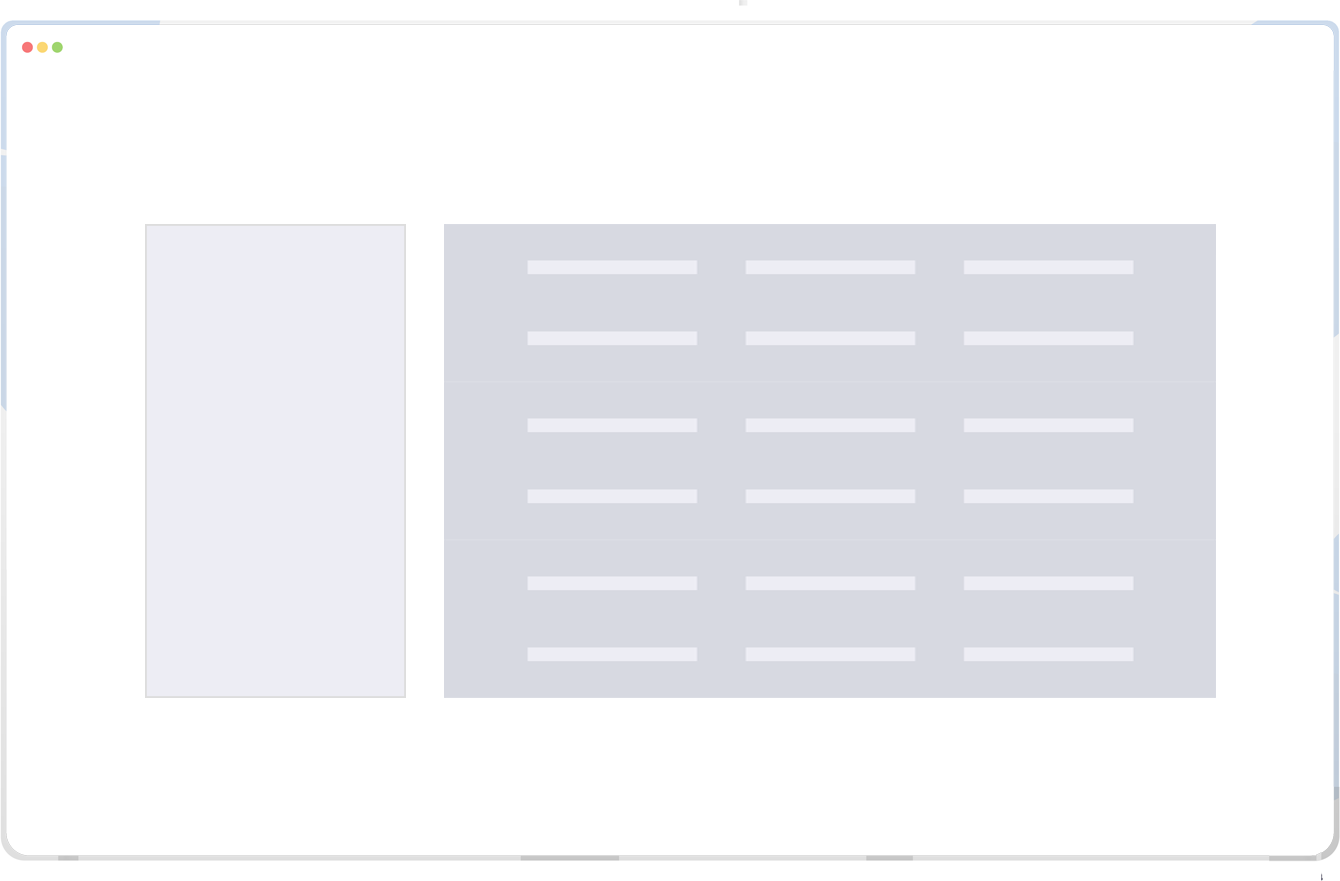
Go with the traditional table or switch to cards, then use checkboxes or dropdowns for filters to suit your audience.
3
Want more customisation?
If you want custom pages, content modules or additional creative options, talk to the team about your vision.